Mornington Peninsula
NATIONAL SITE & PROMOTIONS LOCAL FRANCHISE SITE
STYLE VISUALISER APP
See your new floor before you buy, free
Choosing flooring from a small sample is hard. Should it be carpet, timber, laminate, vinyl or hybrid? Which colour, grain or pile will suit the room you already have? The free Carpet Court Style Visualiser takes the guesswork out of it.
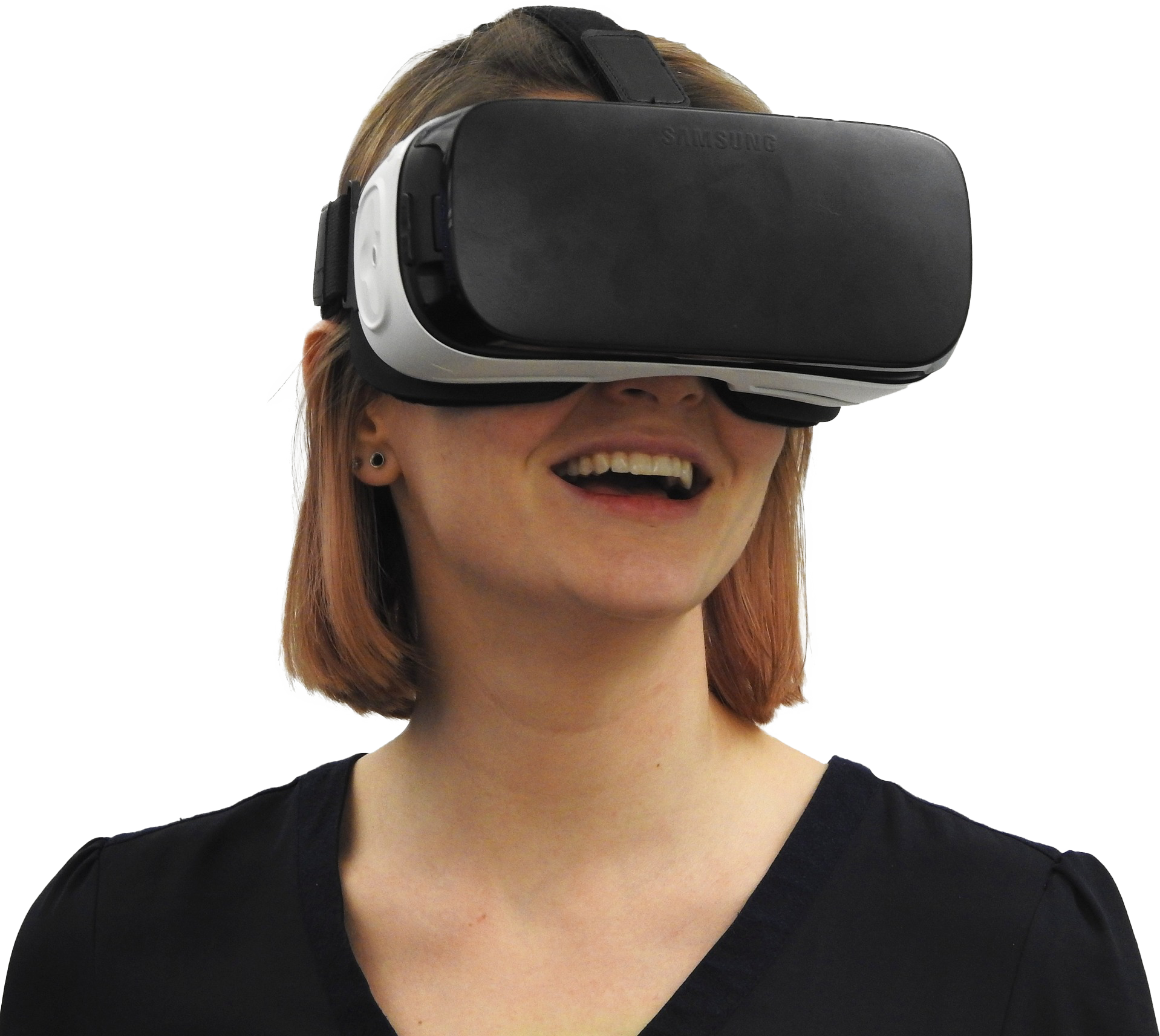
Pick any carpet or flooring from the range and see it laid in a fully furnished room, with a 360 degree view. Not sure? Choose another and compare. It works on any phone, tablet or computer, and on your phone you can even switch to virtual reality mode with a set of cardboard goggles. Once you've found a look you love, book a free measure and quote and we'll bring the real samples to your home.
Use Style Visualiser in "standard" mode
- Tap/click on the "OPEN APP" button below.
- Tap/click anywhere on the screen to enter the room.
- Browse the product range and tap/click on any carpet or flooring swatch to select.
- Drag your finger/mouse across the room to get a 360 degree view.
- Tap/click on circles to see other rooms.
Use Style Visualiser in "virtual reality" mode (use cardboard or other VR goggles)
- Access the Style Visualiser on your mobile.
- Look for the 'VR' symbol at the top of the screen and tap on it.
- Tilt your mobile 90 degrees and 2 squares will appear.
- Place mobile into your cardboard or VR goggles and enjoy!
GET STARTED
The Style Visualiser is completely free and works on phones, tablets, PCs and Macs.